⚙️ Robo Connector Business Automation
Workflow control for operations teams handling repeat request and approval work.
Centralize intake, ownership, approvals, reminders, and dashboards in one operations workflow system. Start with a single queue, then expand only after it runs live.
ICP: Service ops, internal operations, and delivery teams managing high-volume recurring requests.
An app inside Robo Connector. Setup is guided and scope-based: most teams begin with one workflow and phase in additional queues.
Explore related solutions: School Management, Smart Port Logistics, and Accounting Automation.
Need implementation details? Review modules or contact our team.
Typical time savings depend on process maturity and data quality. Most teams start with one high-friction process and track cycle time, exception volume, and rework.
Why operations leaders switch
- Your team spends hours every day chasing updates across chat, email, and spreadsheets.
- SLA misses are discovered late, after clients escalate.
- Approvals stall because ownership is unclear and handoffs are manual.
- Managers cannot see bottlenecks until weekly review meetings.
- New hires need weeks to learn process variants that should be automated.
Choose your first workflow
Pick one operational use case, ship it fast, and then scale to other queues.
Client onboarding
Who owns it: Revenue Operations + Account Managers
Trigger: Signed proposal or completed web intake form
Automation steps: Intake validation → workspace setup → owner assignment → kickoff reminders
KPI tracked: Time to first customer kickoff
SLA operations
Who owns it: Support Leads + Delivery Coordinators
Trigger: Priority request submitted from inbox or form
Automation steps: Triage rules → owner routing → SLA timer → escalations
KPI tracked: SLA breach rate
Procurement
Who owns it: Procurement Ops + Finance Controller
Trigger: Purchase request created from form, CSV, or API
Automation steps: Budget check → approval route → vendor notification → order log update
KPI tracked: Request-to-order cycle time
Internal approvals
Who owns it: Team Leads + PMO
Trigger: Policy-required decision submitted in chat or portal
Automation steps: Approver sequence → audit logging → notifications → exception queue
KPI tracked: Approval turnaround time
Proof from real operations workflow pain points
What teams standardize first
- • Customer escalation triage and routing
- • Purchase request to approval and order release
- • Internal policy approvals with evidence capture
Proof metrics to track after launch
- • Fewer manual handoffs and status checks
- • Faster approval and response cycle time
- • Better compliance evidence through a complete Audit Trail
Works even when integrations fail
If an API, inbox, or device is unavailable, the Workflow does not stop. Robo Meister routes the step to a safe Fallback path, alerts the right owner, and keeps the Audit Trail complete.
Hybrid execution
Hybrid automation with fallback: AI, people, integrations, and devices work together with audit trails. The platform picks the best Executor for each step and can switch automatically when conditions change.
Terminology
- Workflow: an executable business process.
- Pack: installable set of workflows, rules, templates, and integrations.
- Executor: who or what performs a step (AI, employee, SaaS, or device).
- Fallback: automatic switch to another Executor when needed.
- Audit Trail: evidence of what happened, when, and why for compliance reviews.
Outcomes you can measure in quarter one
35%
fewer manual status follow-ups
28%
faster cycle time for recurring processes
2–4 hrs
saved per coordinator each week
Pilot targets disclaimer
Pilot targets are directional and may include modeled estimates based on baseline activity. Measured KPI results are available after production workflows run with your live team and data.
Before
- • Requests move between inboxes with no single queue.
- • Approvals happen in chat with no audit trail.
- • Teams react to delays instead of preventing them.
After
- • Work enters one workflow queue with clear owners.
- • Routing, approvals, and escalations can run automatically once configured.
- • Live dashboards can flag SLA risk when relevant data sources are connected.
Start with one workflow (concrete path)
- Use one request intake form so work enters a shared operations queue instead of scattered chat/email threads.
- Assign one owner, require approval when needed, and trigger reminders/escalations automatically.
- Track queue status, overdue items, and completion in a live dashboard with auditable activity history.
How it works (start small)
1) Install
Install Pack #23 from Robo Store.
2) Connect
Connect the systems and teams involved in the first Workflow.
3) Run first workflow
Run one live Workflow, then expand into additional Packs.
Included workflow previews
Procurement and ops approvals
Standardize purchase requests, approvals, and handoffs.
- • Route requests to the right manager automatically.
- • Apply limits and validation rules by budget or category.
- • Keep an audit-ready trail of every decision.
Inventory & operations sync
Make sure stock, orders, and tasks stay in sync.
- • Trigger updates when requests are approved or completed.
- • Push changes into your existing inventory, WMS, or ERP tools.
- • Prevent “lost” requests that never reach execution.
Live operations KPI dashboard
See bottlenecks and SLA risk without waiting for weekly reports.
- • Track cycle time, queue size, and SLA breaches in real time.
- • Drill into blocked tasks and escalation patterns.
- • Share a single live view with management and team leads.
Works with your stack (with guided setup)
Common examples: Gmail/Outlook intake, Slack/Teams notifications, CSV imports, and webhook/API triggers. Setup effort depends on your current tooling and data quality.
Inbox
- • Gmail
- • Outlook
Chat
- • Slack
- • Microsoft Teams
PM tools
- • Jira
- • Task boards
Webhooks / API
- • Web forms
- • CSV imports
- • REST API
Implementation plan (typical, varies by complexity)
Week 1
Connect data: inboxes, intake forms, existing owner roles, and baseline KPIs.
Week 2
Run workflow + dashboard: ship one live flow and verify SLA + throughput visibility.
Week 3
Scale / add workflows: expand to adjacent queues with templates and guardrails.
Time-to-value expectations (not a fixed go-live promise)
Some teams launch a first workflow in 2-4 weeks with active onboarding; timing depends on integrations, approvals, and data readiness.
Trust signals (no fictional testimonials)
Founding customer pilot program
Limited pilot slots for teams willing to co-design workflows and approve a short result summary after go-live.
- • Discounted or free pilot options based on scope.
- • 30-minute review interview after initial launch.
- • Optional approved quote or anonymized reference profile.
FAQ
Will this replace our current tools?
No. Start by automating one process and connect existing tools around it.
How much internal effort is required?
Most SMEs assign one operations owner and one backup for setup and weekly tuning.
Is this too advanced for a 20-person company?
No. The package is built for lean teams and starts with preconfigured workflows.
Can we track ROI quickly?
Yes. Measure cycle time, SLA misses, and manual touchpoints from week one.
Start with one controlled workflow, then expand
Use the default ops flow to prove value in one queue before rolling out broader automation.
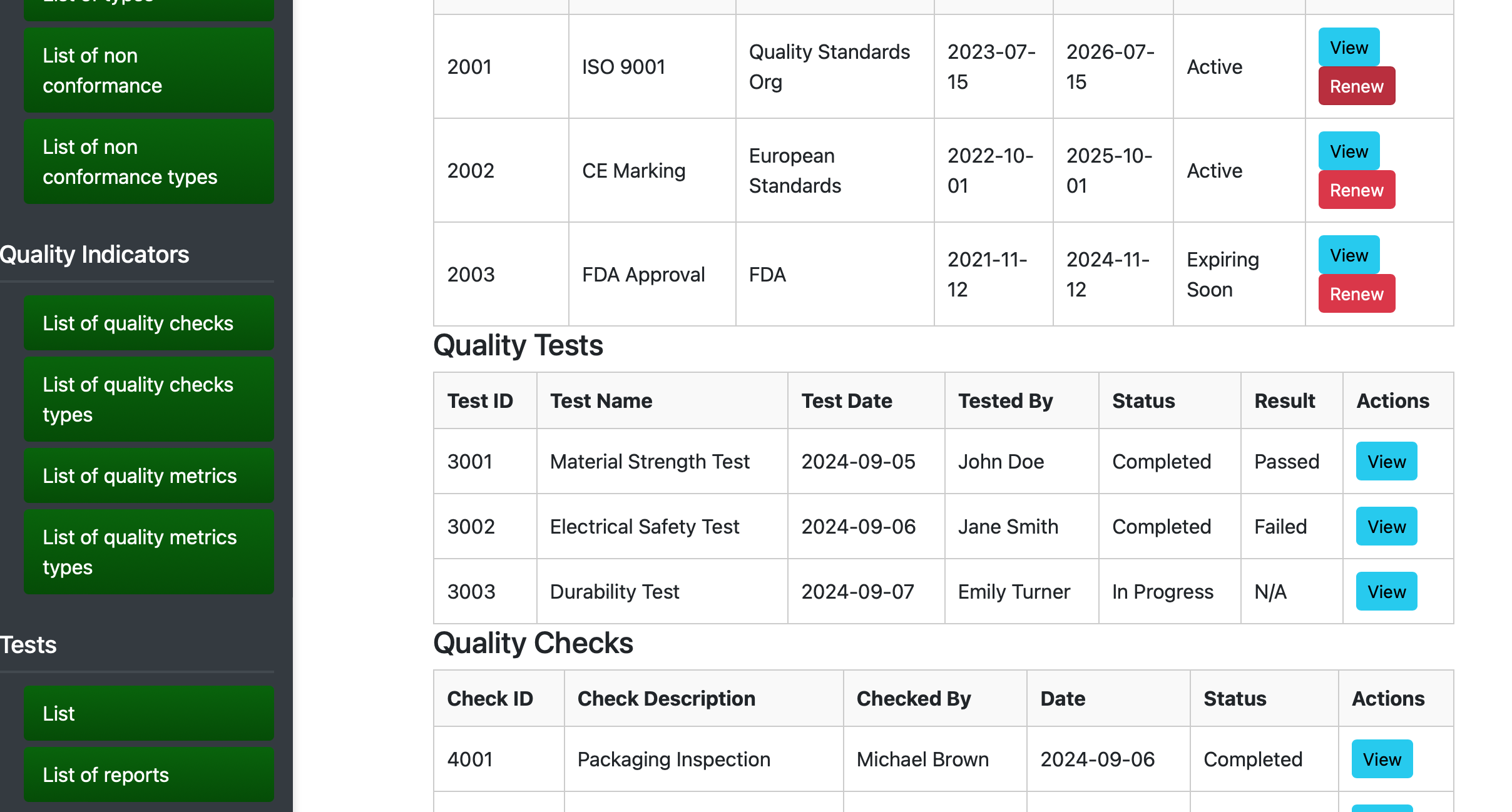
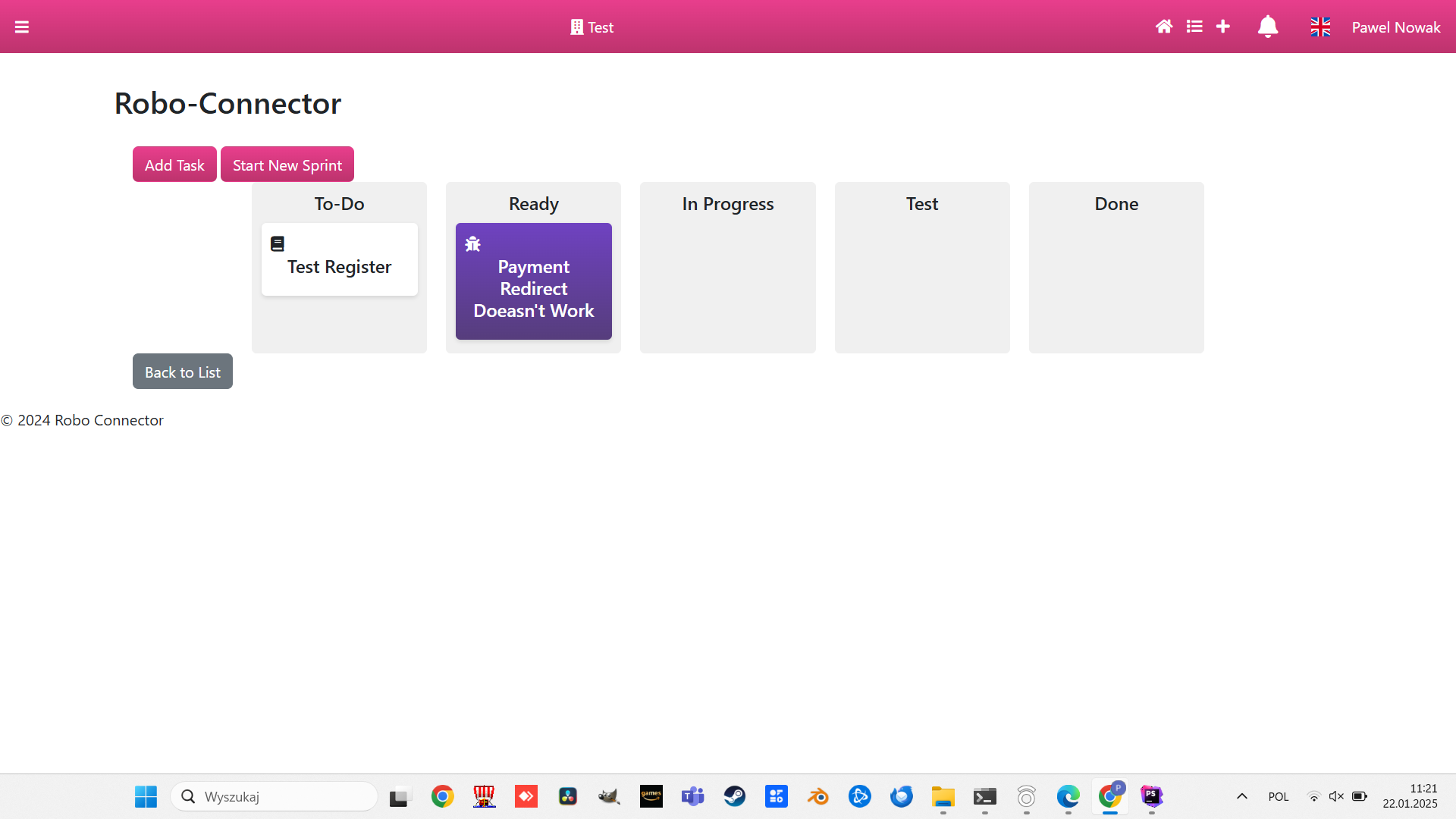
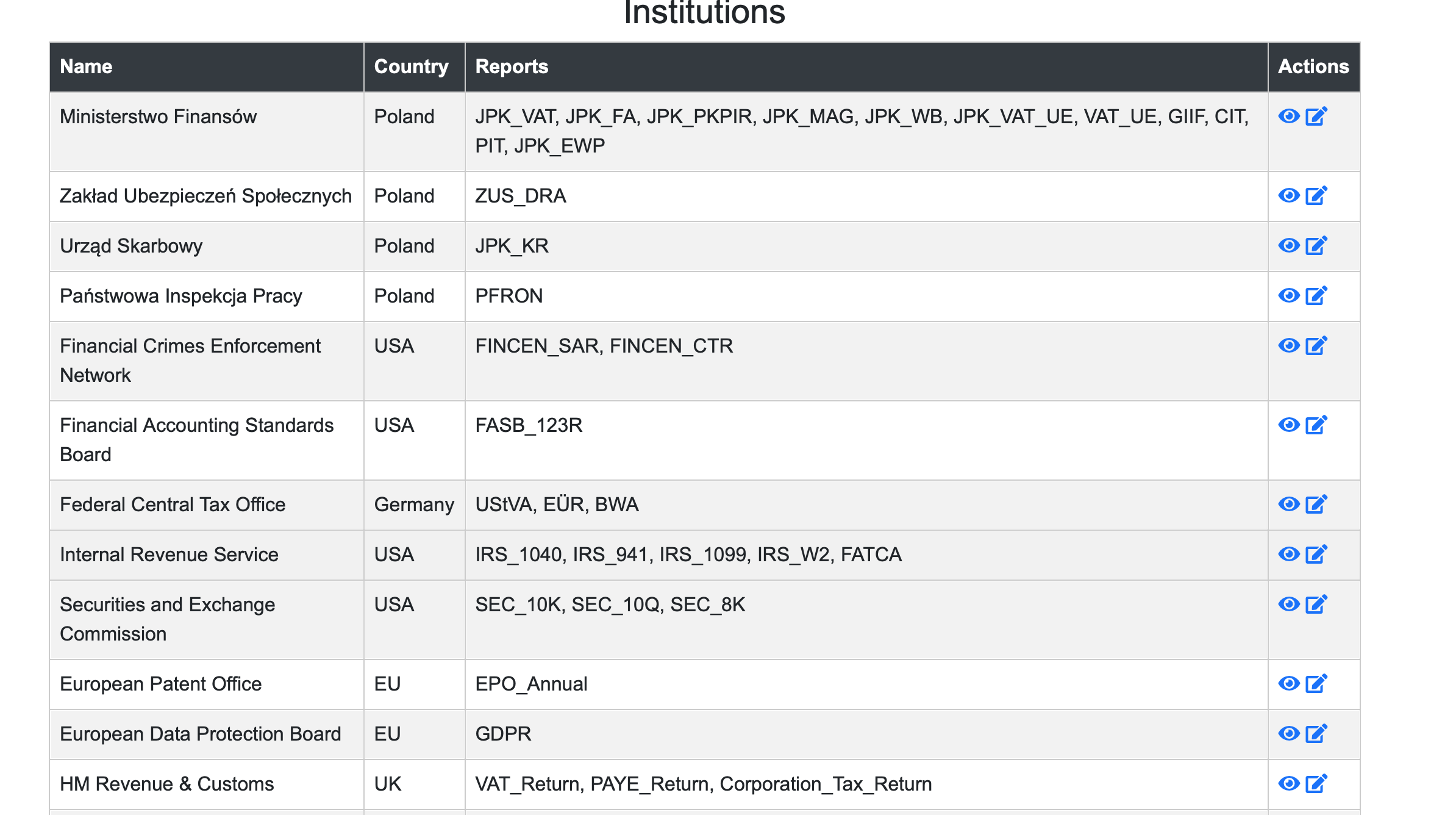
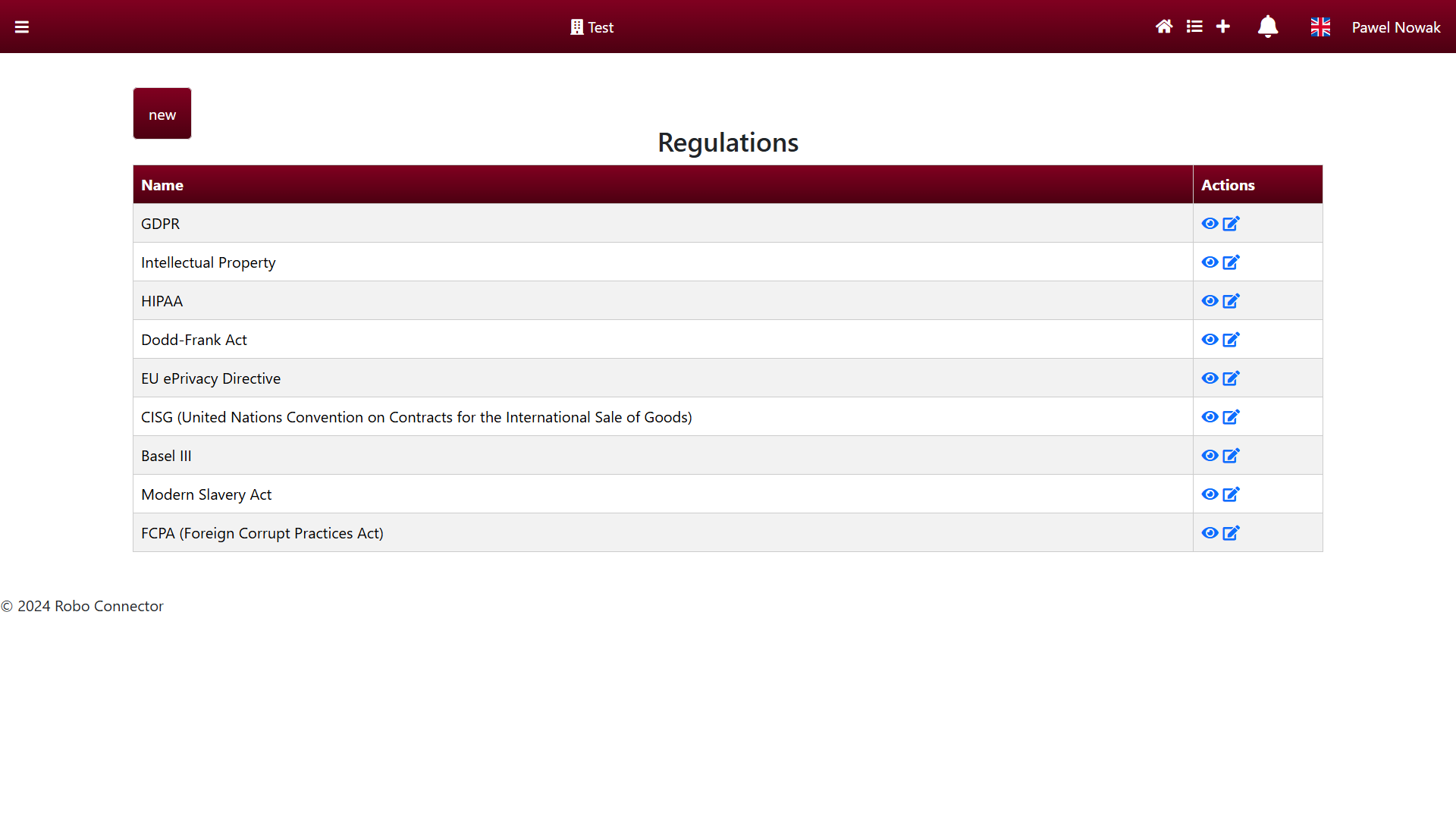
Management app screenshots
Preview modules delivered in the automation management package.